
The Lee County Court Calendar
Lee County runs on North Carolina's eCourts environment. Public case information lives there. Local Judicial Branch pages post the administrative schedules and point to calendar tools. A Case Summary can show a hearing tied to one case. Search Hearings scans settings by location, hearing type, search relationship, and date range. The Lee County Clerk of Superior Court holds the files for both Superior and District Court. One office covers both divisions even though each hears different work.
A calendar answers a timing question only when you tie it back to the record. The local schedule PDFs sort court work into criminal, domestic, juvenile, and civil blocks. That is context. It does not prove a case is set. It also does not prove the case is still listed or starting at a given hour. An order, reset, or other change can alter a setting after publication.
The statewide North Carolina court calendar interface posts calendar settings across counties. It is the official route linked for calendar use. Treat it as a calendar lookup. It is not a stand-in for the Case Summary on your case.
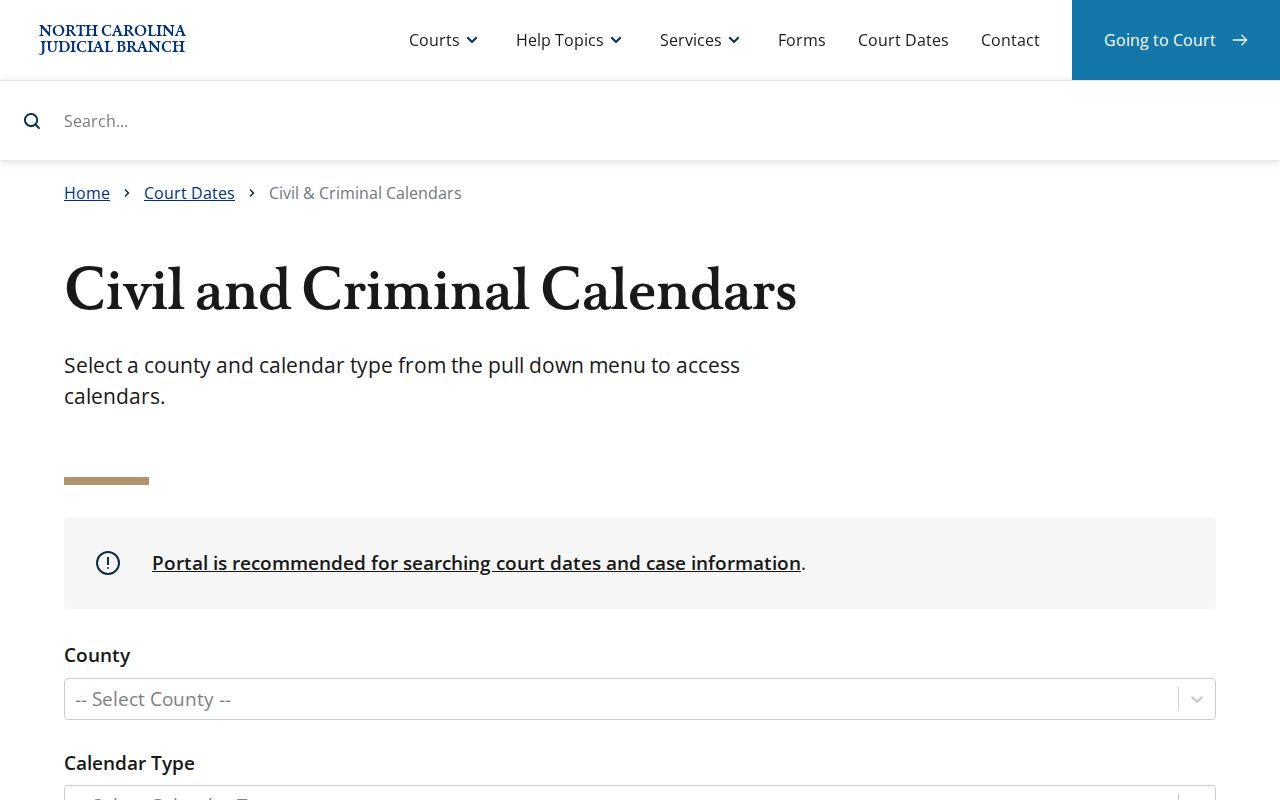
The calendar view is for orientation only. Once a Lee County appearance is planned, rely on the case-specific setting and local confirmation instead of any printed schedule.
Lee County Court Calendar Search Fields
The official Portal guide calls Search Hearings a focused date-search tool. Pick Lee County as the location first. Then choose the hearing type and the relationship used to search, such as a case number, party name, attorney, judicial officer, or courtroom. Set both ends of the date range. That step is part of the flow. The tool shines when the next setting is unclear. Still, check any returned hearing against the case's Case Summary, the applicable courtroom, or the clerk before counting on it.
| Field | How it narrows Lee County hearings |
|---|---|
| Location | Required; select Lee County when the setting belongs in the local court system. |
| Hearing Type | Required; the guide lists All, Civil, Criminal, Family, Probate, and Mental Health. |
| Search Type and value | Required; use a case number, party, business, attorney, bar number, judicial officer, or courtroom value. |
| Date From and Date To | Required in the guide’s flow; use a date range rather than assuming a weekly schedule controls. |
Results can be sorted. The guide sets no universal call order for Lee courtrooms. A date on the calendar is not a queue position, and it is not a guaranteed individual time.
How to Find Your Court Date
Use more than one channel when a Lee County setting matters. The eCourts Portal links a known case straight to its public Case Summary. Search Hearings helps locate a future setting. Local schedules explain the recurring court assignments. A quick call settles anything that may have changed. Try the Lee Clerk or the right courtroom.
- Open the official eCourts Portal and use Smart Search to find the public case by record number or name. Select the linked record and read the Case Summary, including its hearing and event information where available.
- Use Search Hearings when a date-range search is needed. Set the location to Lee County, choose the hearing type, provide the appropriate search value, and use both date fields.
- Review the Lee local administrative schedules for the usual type of court allocated on that day. Treat a schedule as context, not proof of an individual hearing.
- Confirm a time-sensitive setting by calling the Lee Clerk at 919-718-6300 or asking the relevant clerk or courtroom at the courthouse counter. Give the record number or enough case information to route the question.
Paper files still matter. The public terminal matters too when a browser search does not resolve the question. The public access view is near real time, but processing and access limits can affect what appears online.
Lee County Court Calendar A/C and B/D
Lee's 2026 master schedule uses the paired labels A/C and B/D. They are allocation terms from the schedule itself. No published conversion table maps them to a room number. The signed schedule places categories on each side of the daily allocation. Monday carries PV/Criminal and Civil Domestic Violence. Tuesday brings Criminal/District Court and domestic motions. Criminal and domestic work mix later in the week.
- A/C and B/D
- Paired labels used in the 2026 Lee master schedule. Read them as allocation labels, not as a guessed courtroom map.
- PV / CRIM
- Local schedule shorthand for probation-violation/criminal allocation.
- IV-D
- A local schedule label for child-support enforcement matters associated with the IV-D program.
- DWI (DWIC)
- A Friday DWI allocation label, not proof of a separate specialty-court program.
These labels explain, not predict. For a specific Lee County court date, the Portal's case-specific hearing information and a current confirmation are stronger sources than any allocation label. The official Lee schedule page publishes the current collection of annual calendar materials, so the signed schedule and its category files are always the versions to check.
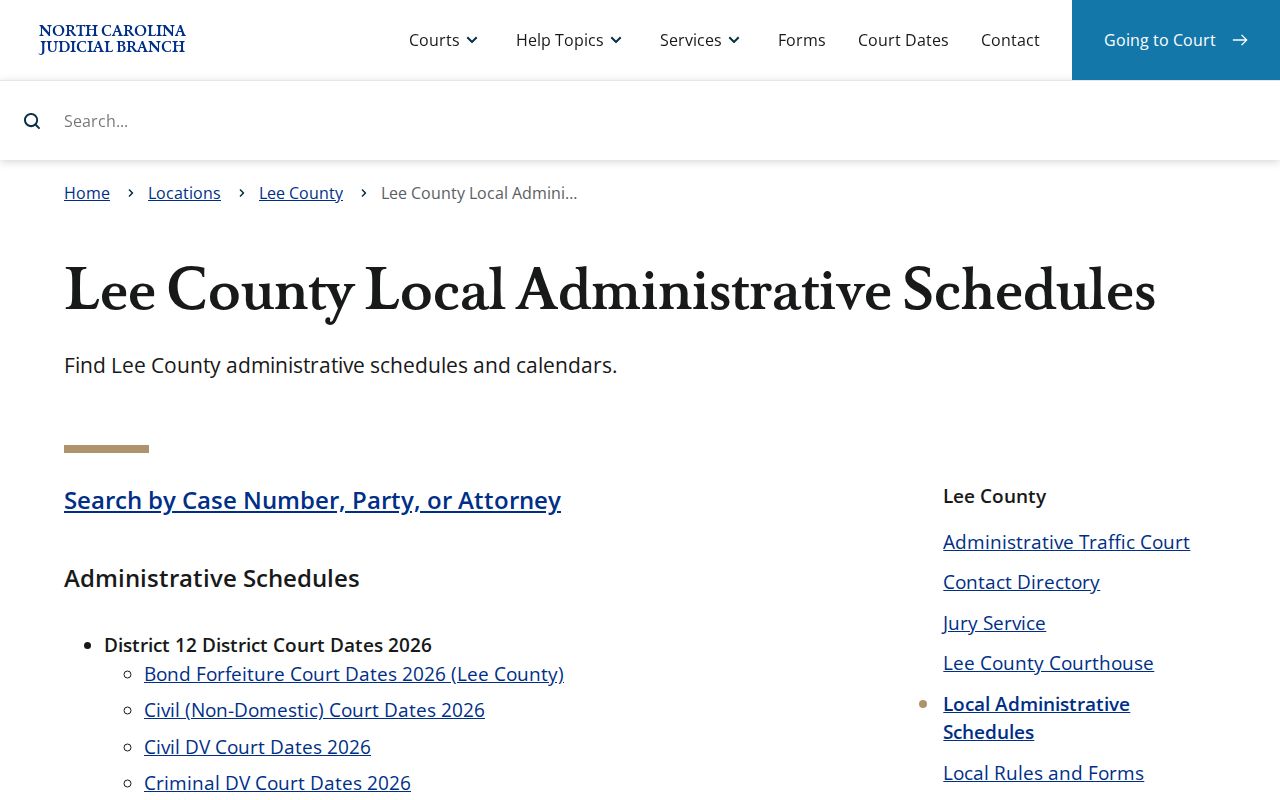
The local schedule files are split by calendar category. Check the right one before contacting the Clerk about a particular setting.
Reading a Court Setting
A hearing result can carry the Lee court location, courtroom, hearing date, hearing type, and the relationship used for the search. Case Summary adds the case identity and its events. The columns are sortable. Still, the official guide does not promise that every result will display a party, judge, time, or case style. Treat each field as conditional. Verify whatever controls your appearance.
| Date | The scheduled hearing date shown for the result; confirm it if the date is near or the case has recent events. |
|---|---|
| Time | Where displayed, the listed time for the setting. A date listing alone does not establish a precise call order. |
| Courtroom | The courtroom value attached to the hearing result, if shown. Use the Clerk or courtroom to resolve a room question. |
| Judge | A judicial-officer search relationship is available, but a judge is not guaranteed on every returned row. |
| Setting Type | The hearing category selected or displayed, such as civil, criminal, family, probate, or mental health. |
A court setting only shows a date on the calendar. The Register of Actions lists events in a Lee County case, but an entry there is a record that something was set or filed, not the signed order behind it.
Lee County Court Calendar People’s Court
"People's Court" shows up in Lee's Wednesday master-schedule allocation. It is a local calendar label. Nothing about it lets you infer the exact procedure, a case outcome, or a separate specialty-court program. The same Wednesday schedule gives other allocations to domestic trial work and to Criminal Domestic Violence or domestic motions. Read the label as a category. For what a particular case requires, the record and the current setting answer the question.
Calendar label versus setting: A Lee County schedule can show when a type of court is usually allocated. It cannot confirm that an individual case is set, ready, or still on the calendar.
Labels such as bond forfeiture, disposition, juvenile, and probation cause or violation follow the same rule. They are calendar categories, nothing more. Take the exact label as printed, then confirm the actual hearing through the Portal and the local court office before drawing any conclusion from it.
Resets, Continuances, and Cancellations
A posted Lee County schedule is not frozen. A reset or continuance can move a hearing after the calendar goes up. The linked Lee local-rules PDF explains how that works on the criminal side. It covers calendar calls, the making of a called-and-failed mark, and continuance practice. One point is worth remembering: when the prosecutor agrees to a consensual continuance, a new date must be given to the clerk. The civil side is in the same document. It walks through calendar preparation and the Clerk's hand in processing hearings, motions, trials, and continuances.
That PDF is genuinely useful Lee-specific context. It also carries an older District 11 label. The current Judicial Branch page still links the older PDF. So read it as background only. Verify procedures with the Clerk instead of treating the text as a standing instruction. The newer local-rule page adds a Case Status Order effective January 1, 2025. It also adds a form. That form deals with a called-and-failed entry, recall of an arrest, or a reset of a trial calendar.
So a setting that seems to vanish may simply have moved. Reopen the Case Summary and scan for a newer event or hearing. Then call the Clerk or the courtroom. A missing line on a static calendar never means the case is over.
Lee County Court Calendar Second Tuesday
The 2026 master schedule spells out one local quirk. Disposition and bond-forfeiture matters land on the second Tuesday of each month. They replace People's Court/Criminal on that day. That is a real allocation rule for the Lee County court calendar. It promises nothing about any named person's hearing. For a specific question, the exact Case Summary, the hearing search, and confirmation from the court control the answer.
Read bond forfeiture as its own schedule category. It is not an ordinary criminal disposition. A reader who spots that label should pull the related Register of Actions. Then ask the Clerk what public record or confirmation process applies. Do not infer a result from the schedule alone.
Friday allocations list IV-D and DWI (DWIC) as well. Check the separate files first to pin down the right calendar category. Then run a targeted hearing check.
What To Do If You Miss a Setting
Missed a Lee County setting? Act quickly. Recheck the Case Summary and Search Hearings for a later entry. Then contact the Lee Clerk or the right courtroom. Ask how to verify the current record. Local materials use the phrase "called and failed." The current local-rule page links a motion about striking a called-and-failed setting, recalling an arrest, or resetting a trial calendar. None of that means one response fits every case, so confirm yours with the court.
Missed a setting? A missed Lee County hearing can require prompt court action, and the record may carry a called-and-failed entry or another consequence.
Confirm the record with the Clerk or courtroom immediately and follow the lawful procedure that applies to the case.
If counsel represents a party, contact counsel promptly about the missed setting and the next court-directed step.
Lee County Court Calendar Rule Caveat
The eCourts Portal is the official source for live calendar answers. It covers both Case Summary and Search Hearings. Lee's older local-rules PDF is still linked from the current local-rule page. That makes it valuable historical context but no substitute for live confirmation. Its older district label is exactly why the caution applies.
The document does offer useful texture. It says civil term calendars are prepared four weeks before a session. A calendar request is normally due at least five weeks before term. Those lead times explain why calendars exist at all. Still, do not apply them to a current matter without checking present court practice.
Use the older document to understand timing. Then answer an active Lee County court calendar question with the current schedules, the Case Summary, Search Hearings, and Clerk confirmation. That order respects the published local history. It also respects the fact that a current order can move an individual setting.