
Traffic Court Records in Lee County
Every Lee County traffic citation enters the state's trial-court framework. The District Court hears these matters. The Lee County Clerk of Superior Court keeps the case record. There is no separate county traffic court docket. A public search result can identify the citation case and a future setting. It may also show Register of Actions entries, a disposition, and any financial information that applies.
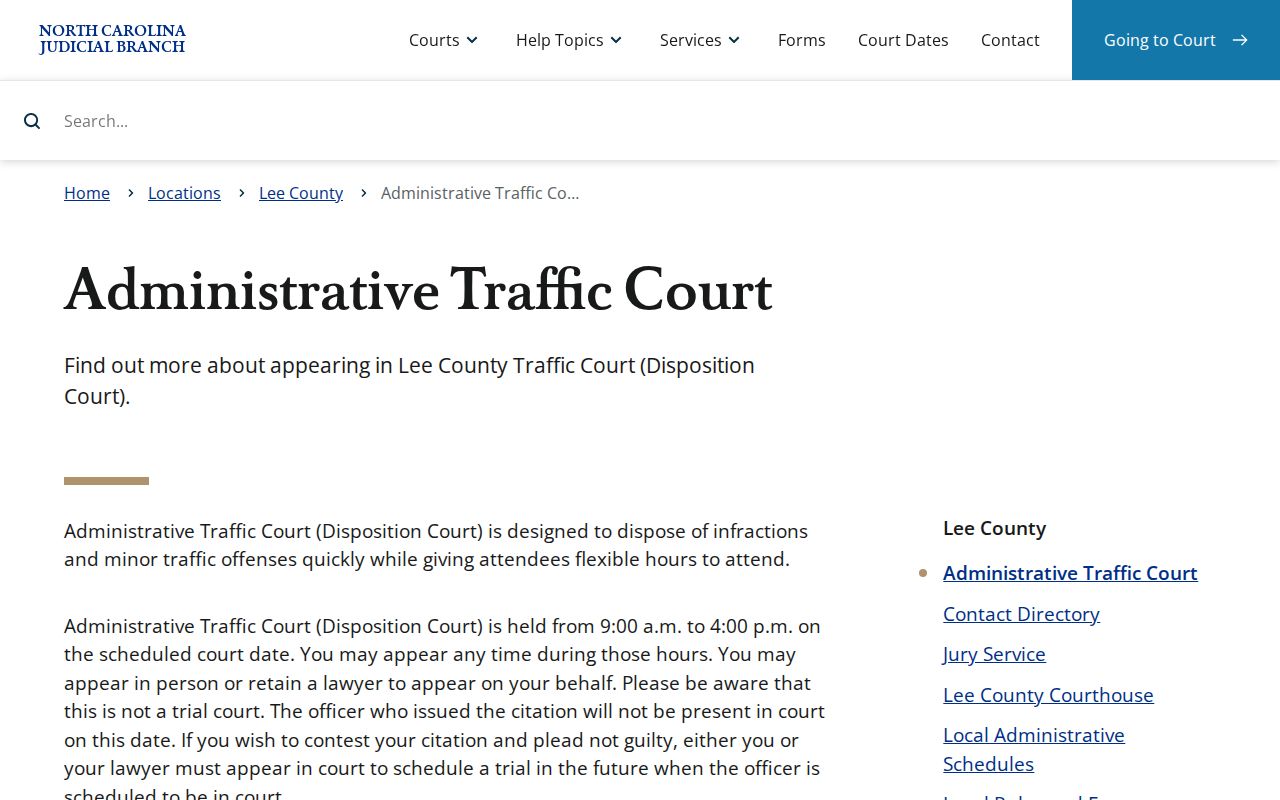
A citation might be written in Sanford, Broadway, or somewhere else in the county. The court path stays the same. Read the citation closely. Then confirm any time-sensitive Lee setting through the case record or the clerk. The Lee Administrative Traffic Court notice explains the local process. It is not a separate traffic-record database.
The official Lee case record stays with the Lee Clerk.
Lee Citation Search in eCourts
The statewide North Carolina eCourts Portal is where a Lee County citation search begins. Smart Search takes a record number or a name. Citation Number also appears as a search-type choice in the advanced flow, and it works best when you have the actual ticket number in hand.
For a name search, the official guidance is simple. Enter the last name first. Use at least three last-name characters and one first-name character, and the Lee County docket results should narrow quickly.
| Portal field | Use for a Lee traffic search | Research note |
|---|---|---|
| Record Number | Search an identified Lee case | Use the number shown on the citation or later court notice. |
| Name | Search when the citation number is unavailable | Begin with a name value before adding filters. |
| Search Type | Choose Citation Number where appropriate | The live Portal wording can change. |
| Location | Narrow statewide results to Lee County | It is an optional Smart Search filter. |
| Case Status | Refine a broad result | It supplements, not replaces, a primary search. |
The Lee Portal gives you a public access view, not the full court record. Some restricted records stay hidden. A broad name search caps at 200 results. Narrow your terms before you trust what a missing entry seems to say.
Portal data updates in near real time. New uploads may show up within minutes once processing finishes. Still, a fresh Lee County citation is not guaranteed to appear right away. Has a case you expect not posted? Try the citation number or a different name format. The Lee Clerk also offers a terminal. A counter and phone service back up any docket lookup.
How to Look Up a Traffic Ticket
Start with the citation itself. It carries the best case identifier plus a court-date instruction. That makes any Lee County traffic docket search easier.
Does the online result fall short? The search can move from the Portal to the Clerk terminal, the counter, or a phone call. The Portal shows public Case Summary information, but it is not the official record.
- Read the Lee citation for its actual number, response instruction, and printed court date.
- Use Smart Search in the eCourts Portal with the record number or name, then select a Lee result.
- Use the Citation Number search type when the live Portal offers that route, and add Lee County as a filter if needed.
- Use Search Hearings for an upcoming Lee setting, or inspect a public terminal and counter record with the Lee Clerk.
- Call the Lee Clerk at 919-718-6300 when a date, posting, or record needs confirmation.
Need a certified document? Use the Lee Clerk's records route. A Portal display or image never replaces the clerk-certified court record.
Lee Disposition Court Is Not Trial
Lee County Administrative Traffic Court goes by Disposition Court for minor traffic infractions. It runs 9 a.m. to 4 p.m. on the scheduled day. You may appear in person during that window or through an attorney. This is a resolution setting, not a trial, and the officer is not present.
Want to contest a Lee citation or plead not guilty? Attend Disposition Court or send counsel. Local instructions say that route can set a later court date. The officer is present then. Paying does not request that later trial setting. Confirm the particular Lee case date before acting. A reset can change the court event.
Finding Your Traffic Court Date
Your Lee County court date may be on the citation. It can also show up in the Portal Case Summary or through Search Hearings. A static schedule shows the usual allocation of court time. It is not a promise about your case. Compare the citation with the case record. Then ask the courtroom or clerk to confirm a Lee date that matters soon.
| Citation or record number | Use the actual citation number printed on the ticket or the record number returned by the Portal. |
|---|---|
| Location | Confirms that the returned case is a Lee County court matter. |
| Hearing date | Use the case-specific date where available; a reset can change it. |
| Hearing type | Search Hearings can identify the listed hearing category. |
| Courtroom | The Portal guide supports courtroom data where available; confirm a time-sensitive setting with Lee staff. |
| Status | Read the dated Register of Actions entry with any disposition or later setting. |
The Lee local schedules explain usual allocations, including traffic-related categories. They do not replace a case-specific Lee hearing result.
Lee Payment Eligibility and Channels
Some Lee citations are waivable. Payment works only after the live case or payment screen shows the charge is eligible. The Lee payment information lists online, in-person, telephone, and mail channels. A qualifying mail payment takes a money order or certified check under the local instructions. Cash and personal checks are not accepted.
| Lee channel | Use | Condition |
|---|---|---|
| Portal payment screen | Eligible costs or citation payment | Check the live case for eligibility. |
| Cashier counter | In-person eligible payment | Follow the Lee payment page for accepted methods. |
| Telephone | Payment assistance at 919-708-4400 | It is a payment route, not case-record certification. |
| Qualifying payment by money order or certified check | Check current Lee mailing instructions before sending it. |
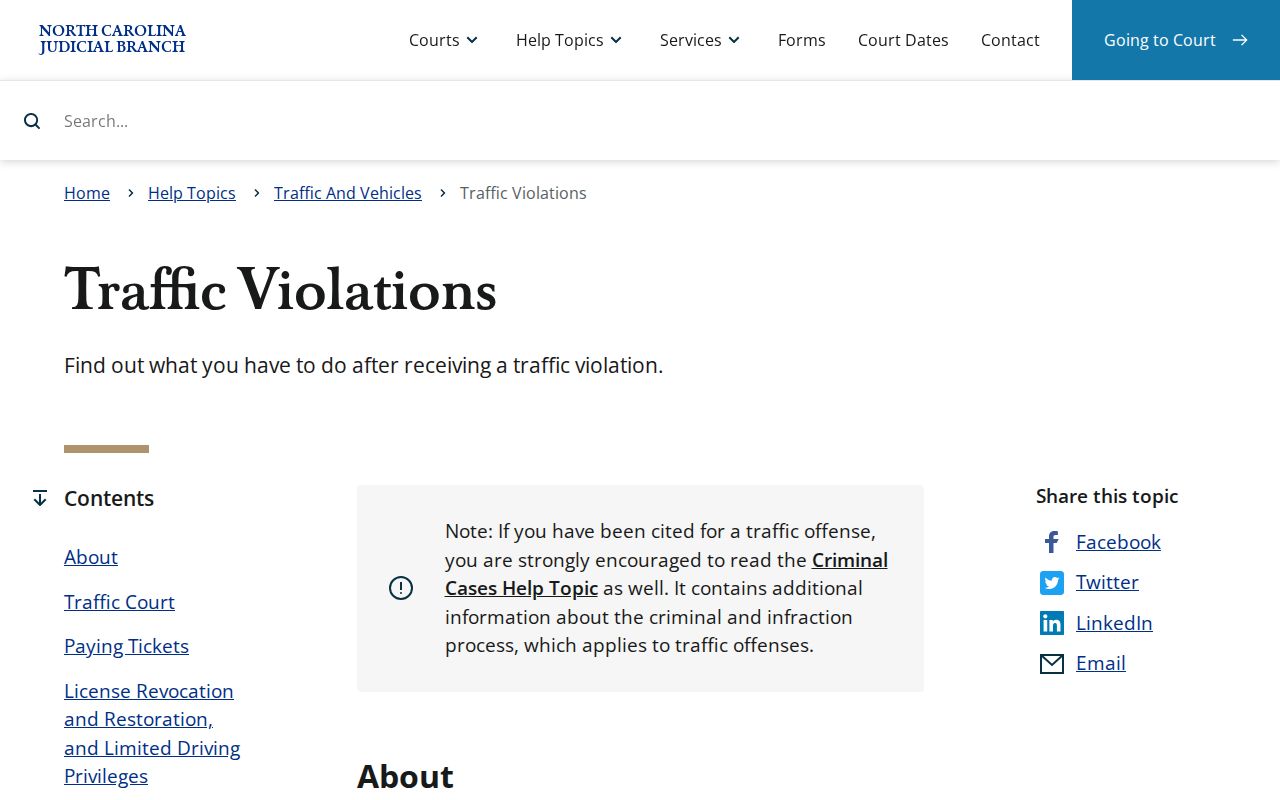
The North Carolina traffic-violations information distinguishes waivable matters from those requiring an appearance. A displayed court balance alone does not prove an online payment will go through.
The state material gives context; the Lee case record controls the current response path.
Paying or Contesting a Ticket
A Lee payment resolves an eligible waivable charge through the court process. It usually removes the need to appear. A contest follows the appearance instruction instead. For a minor matter placed in Lee Disposition Court, attendance or counsel can request the later officer-present trial date. The citation's charge and current court status control which choice is available.
| Pay an eligible citation | Contest the citation |
|---|---|
| Use the Portal, cashier, phone, or qualifying mail route listed by Lee. | Attend on the scheduled date or have an attorney attend. |
| Use only after the case/payment screen confirms eligibility. | Ask for the court process that sets a later officer-present trial date. |
| Keep the payment confirmation with the case details. | Confirm the next Lee setting through the case record or clerk. |
Missed Lee court action: A matter can be marked called and failed when a required appearance is missed. State guidance says a failure-to-appear report can lead to an indefinite license revocation after 20 days, and a failure-to-pay report can follow 40 days after judgment. Contact the Lee Clerk about the court case and use NCDMV for driver-license status.
Lee Failure to Appear Timing
"Called and failed" is a Lee court phrase for a missed setting. Check the current case and the next lawful step first. State guidance supplies the 20-day and 40-day reporting timelines, while NCDMV handles driver-license status after court compliance.
Court Traffic Record vs Driver Record
Two offices, two records. In Lee County, the Clerk of Superior Court keeps the traffic court docket: the citation, its settings, the Register of Actions, any disposition, and what the court was paid. The NCDMV driver file sits elsewhere entirely. That office tracks license status instead of court events. One traffic stop can touch both files, yet neither replaces the other. Knowing which office holds the answer saves a wasted trip when you need court records fast.
| Question | Lee court traffic record | NCDMV driver file |
|---|---|---|
| Custodian | Lee County Clerk of Superior Court | North Carolina Division of Motor Vehicles |
| Core content | Citation case, court date, Register of Actions, disposition, and applicable court financial history | Driver-license administrative status |
| Best route | eCourts Portal, Lee Clerk terminal, counter, phone, or certified-copy request | NCDMV only for driver-license status |
So ask the court first. A question about the Lee traffic docket itself, like a hearing date or a filing, belongs with the Lee Clerk. Questions about license status after the court case is done go to NCDMV.
Lee Register of Actions Limits
The Lee County Portal splits its public event history into two views. These are Case Summary and Register of Actions. Read each payment display, status label, or future hearing alongside its date. Check the entries around it too. That context tells you what actually happened on the docket. For tracking a Lee traffic case, the public view is genuinely handy. Still, when the exact court action matters, only a signed or certified document will do.
- Case Summary
- The Portal's case-level view of public case information, events, hearings, and conditional detail blocks.
- Register of Actions
- The chronological Lee case-event history rather than a narrative account of the citation.
- Disposition
- A recorded procedural outcome or status that should be read with the date and related court entry.
Not every Lee County case shows up in the public Portal. Sealed, restricted, or confidential matters stay out of the results entirely. So an empty docket search does not mean no record exists, and you should not treat a blank result as proof.
Fees and Copies
Copy fees for a Lee County traffic document change. Ask the Lee Clerk what a plain or certified copy costs before you order. The official statewide chart lists the amounts that took effect January 1, 2025. Confirm the current figure with the Clerk. An effective-dated chart is not a guarantee of what you will pay today.
| Item in the 2025 state chart | Amount | Lee request caveat |
|---|---|---|
| Certificate under seal | $3.00 | Ask the Clerk whether this is the certification needed for the document. |
| Exemplification | $10.00 | Use only when the Clerk identifies that form of authentication. |
| Preparing ordinary copies | $2.00 first page, then $0.25 each additional page | Applies to the chart category, not automatically every docket request. |
| Copy of a record or docket document | $6.00 first page, then $0.25 each additional page | Confirm the document and current cost with Lee. |
| Criminal record search | $25.00 | Separate chart item; do not treat it as a citation-payment amount. |
Lee Traffic Record Copy Route
When you ask the Lee Clerk for a record, include a few basics. Give the court location and the case number if you have it. Add the document or event you want and the rough date. Say whether you need a plain or certified copy. The state court-records information notes that the Lee clerk's office has a public terminal for lookups. Also keep your copy request apart from any traffic ticket payment. They are separate steps.